

glaze: Photo Editor & Filters
Edit, template and post in a minute. Filters, collage and story layouts.
About this app
Good photos get posted badly. The light was right, the moment was right, and then it goes up uncropped, unadjusted, or sitting awkwardly in a story frame with a white gap along the bottom.
glaze is a photo editor for the minute between taking a photo and posting it.
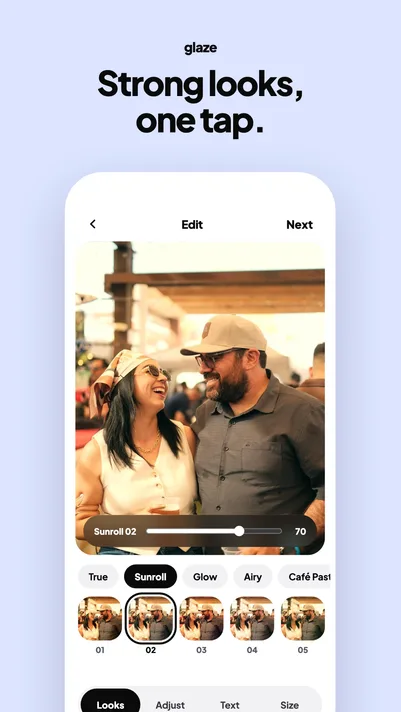
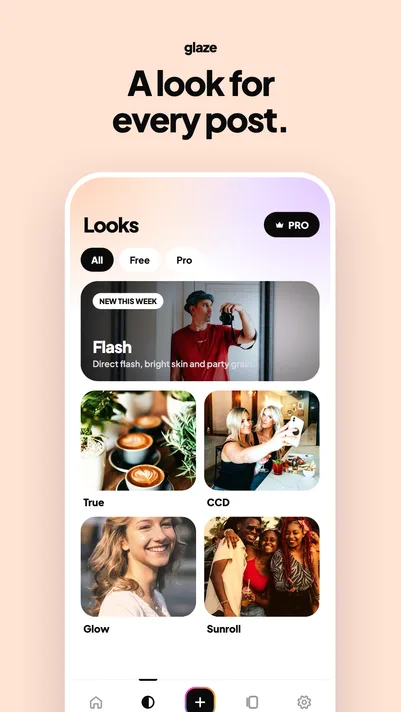
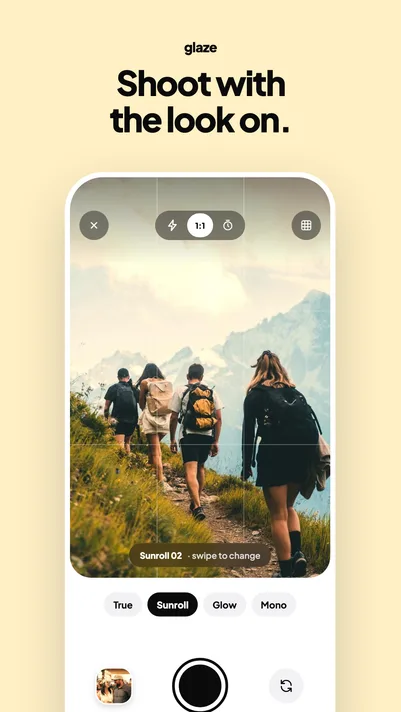
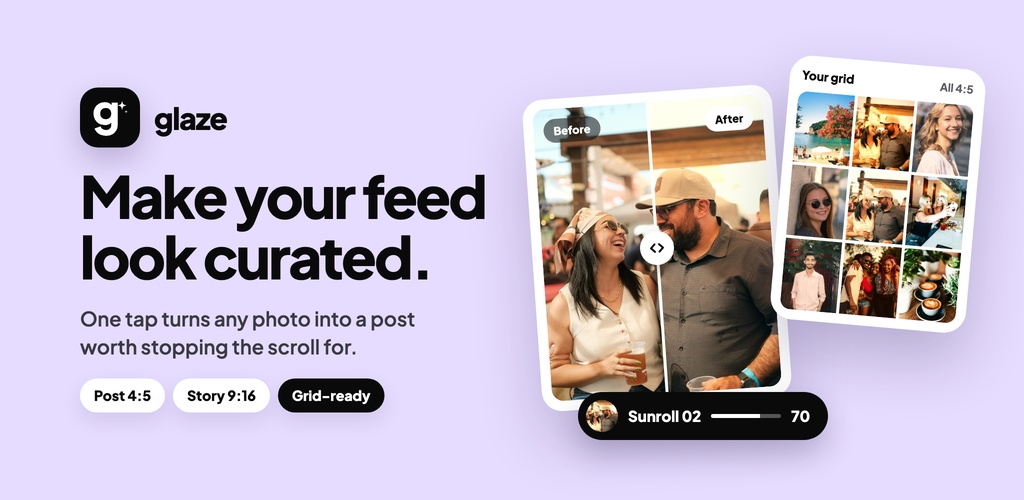
Start with a look. The filters are built rather than generated — each one is a set of curves and colour choices made deliberately, so skin stays skin and a grey sky doesn’t turn purple. Pick one, and dial it back if it’s too much.
Then fix what needs fixing. Crop and straighten, exposure, contrast, saturation, warmth. The controls are there when you want them and out of the way when you don’t.
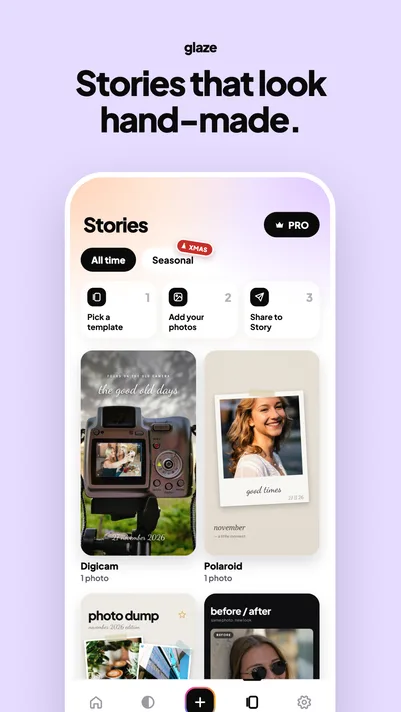
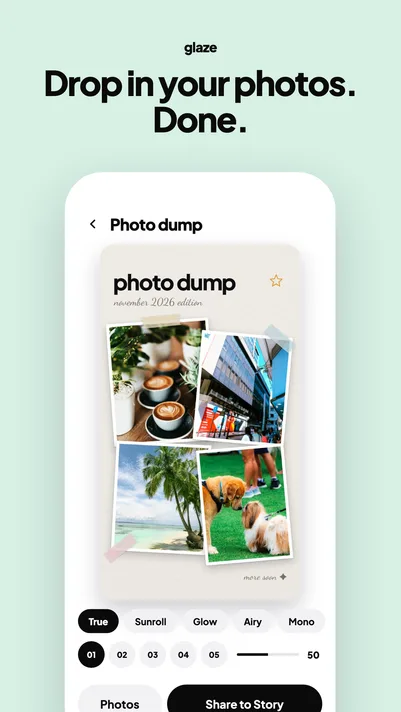
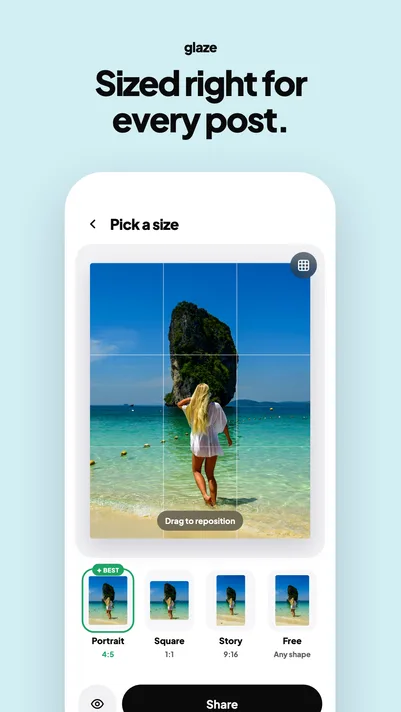
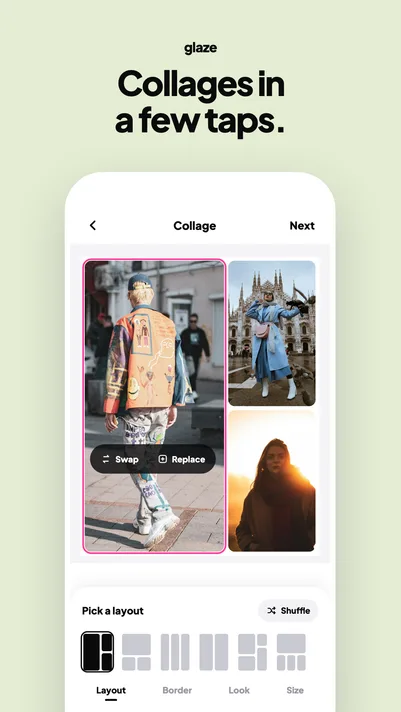
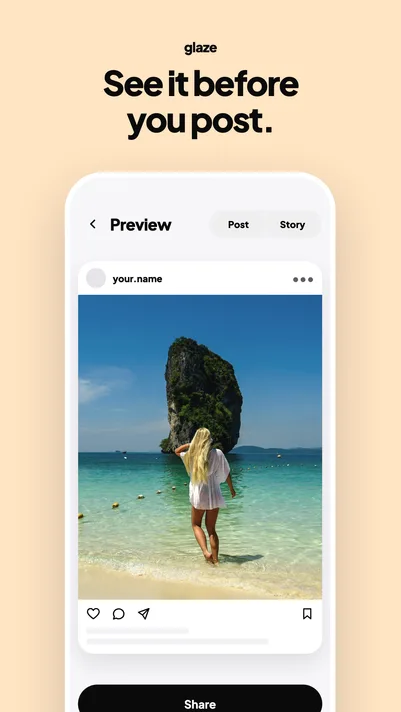
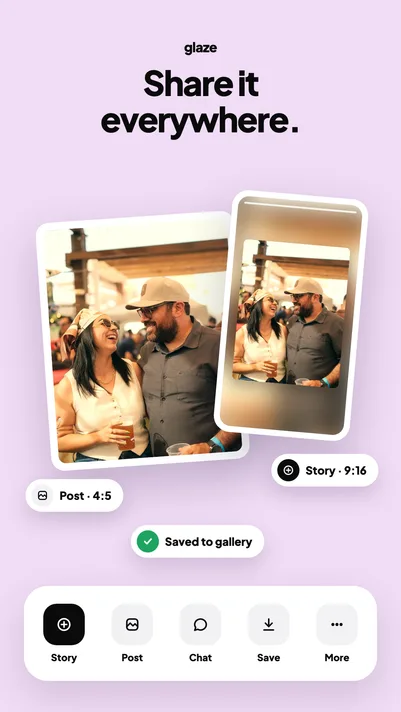
When the photo’s right, the frame is the next problem. glaze has story templates built to the sizes you actually post at, so you drop the photo in and it sits properly — no white edges, no awkward scaling. Build a collage from several shots, add a caption, and send it straight to wherever it’s going.
All of it happens on your phone. Your photos are not uploaded, not processed on a server, and not seen by us. The editing runs locally, which is also why it’s fast.
Made by Bloomix Labs.
What it does
- Filters worth usingEach look is built by hand from colour curves rather than stacked presets, and every one can be dialled back to the strength you want.
- A real editor underneathCrop, straighten, exposure, contrast, saturation and warmth. Everything you need to fix a photo, and nothing you’d never touch.
- Story templates that fitLayouts built to the proportions you post at, so a photo drops in and sits properly the first time.
- CollagePut several photos together in one frame, with layouts that don’t need adjusting afterwards.
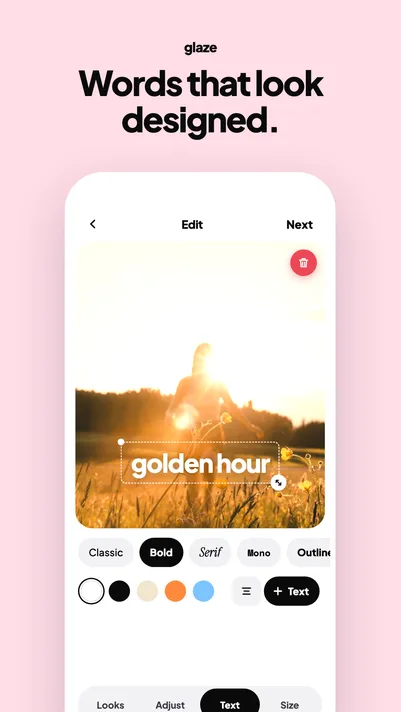
- CaptionsAdd text to a photo in the app, so you’re not writing it twice.
- Straight out to where it’s goingExport, or hand the finished image directly to the app you’re posting from.
- Your own camera roll, on the home screenRecent photos are there when you open glaze, so editing the shot you just took is one tap rather than four.
- A camera built inTake the photo inside glaze and it lands in your gallery, ready to edit.
- Everything stays on your phoneEdits run on your device. Nothing is uploaded, nothing is processed elsewhere, and nobody at Bloomix Labs ever sees a photo.